Menu
Important: This documentation is about an older version. It's relevant only to the release noted, many of the features and functions have been updated or replaced. Please view the current version.
Documentation Grafana documentation
Alerting
Manage your alert notifications
Customize notifications
Use notification templates
Grafana documentation
Alerting
Manage your alert notifications
Customize notifications
Use notification templates
Grafana documentation
Alerting
Manage your alert notifications
Customize notifications
Use notification templatesGrafana Cloud
Open source
Use notification templates
Use templates in contact points to customize your notifications.
In the Contact points tab, you can see a list of your contact points.
To create a new contact point, click New.
Note: You can edit an existing contact by clicking the Edit icon.
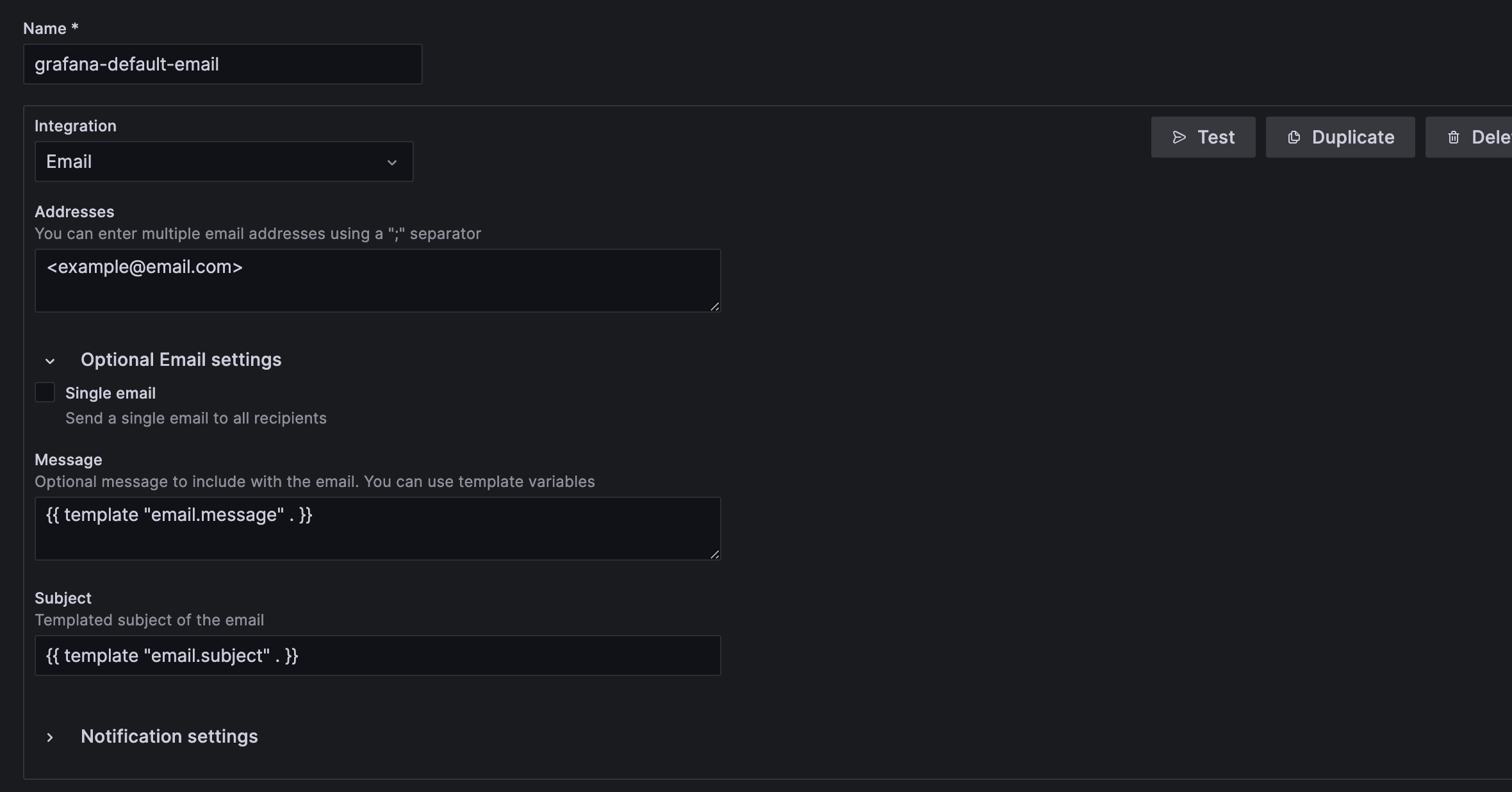
Execute a template from one or more fields such as Message and Subject:

Use notification template For more information on how to write and execute templates, refer to Using Go’s templating language and Create notification templates.
Click Save template.